Introduction
Warehouse robots are automated machines and connected systems that move, store, retrieve, pick, inspect, or handle goods inside a facility. A single robot is rarely the whole story. Racks, conveyors, workstations, chargers, and control software usually come with it.
US operations are looking hard at robotics. Labor is tight, travel distances eat shift hours, and space is limited. Warehousing and storage recorded 4.8 total recordable injury cases per 100 full-time workers in 2024, according to the BLS injury tables.
This article defines warehouse robots, explains how automation works, compares the main types, and shows how to choose based on operational fit rather than technology hype.
Key Takeaways
- Robots, sensors, navigation, and software work together to automate movement, storage, picking, and inventory tasks.
- AMRs and AGVs transport, AS/RS stores and retrieves, and robotic arms handle individual items.
- Load, SKU variety, layout, throughput, and integration decide the right fit.
- Judge projects on total cost of ownership and measurable goals.
What Are Warehouse Robots?
Warehouse robots perform physical tasks with varying autonomy. Some follow fixed routes. Others navigate dynamically or use vision to decide how to grip an item.
They show up across receiving, put-away, replenishment, storage, picking, packing, sorting, shipping, returns, inventory counting, and manufacturing material flow.
Robot, work cell, or full system
The terms get blurred, so separate them:
- Standalone robot: one machine doing one job, such as a pallet-moving AMR.
- Robotic work cell: an arm plus its fixtures, sensors, and safeguarding.
- Complete automation system: robots combined with racks, conveyors, workstations, chargers, safety equipment, and control software.
Exotec's Skypod is an example of the last category. It combines robots, 39-foot racks, bins, picking stations, conveyors, and execution software into one integrated system.
Why Is Warehouse Robotics Important in Warehousing?
Robots cut non-value-added travel. One 2017 simulation study found travel between storage locations accounts for roughly 50% of order-picking time. That is a study-specific result, not a universal benchmark, but it shows where hours go.
Other practical outcomes:
- More consistent material flow
- Better inventory visibility
- Safer handling of heavy or repetitive loads
- Flexibility when layouts or volumes change
What goes wrong without it
When order volume, SKU variety, or travel distance outgrows manual processes, congestion builds. Picking errors rise, replenishment lags, and throughput swings from shift to shift.
Robots augment people
Robots take the repetitive, strenuous, predictable work. People handle exceptions, supervision, quality calls, and anything needing judgment. Plan for that division of labor from day one.
How Does Warehouse Robot Automation Work?
Sensing and navigation
Robots perceive their surroundings through cameras, barcode or RFID readers, proximity sensors, and LiDAR. Mapping and route planning turn that data into motion.
The key distinction is fixed-route versus autonomous. AGVs (automated guided vehicles) follow wires, tape, markers, or virtual paths. AMRs (autonomous mobile robots) use onboard sensing and SLAM (simultaneous localization and mapping) to build maps and route around obstacles. RFID identifies items and locations, but it does not replace navigation or safety sensing.
The software layers
- WMS (Warehouse Management System): manages inventory, orders, and priorities.
- WCS (Warehouse Control System): coordinates material-handling machines under WMS direction.
- Fleet management: assigns tasks, manages traffic, charging, and robot status.
Vendors define a warehouse execution system (WES) differently; MHI says it may combine parts of WMS and WCS.
A representative workflow
- Goods arrive and the WMS records receipt.
- Transport robots or autonomous forklifts carry pallets to put-away.
- An automated storage and retrieval system (AS/RS) stores loads and later retrieves them.
- Goods-to-person stations present items to pickers or a robotic arm.
- Packed orders move by conveyor or AMR to sorting and shipping.
- Drones or scanners handle cycle counts.
Humans step in at stations, exceptions, and quality checks.

Where AI fits
AI is not in every robot. Vendors describe it in vision-based picking, slotting, demand forecasting, and predictive maintenance. Lucas Systems describes machine-learning slotting recommendations as one example.
Treat those as vendor-described capabilities, and ask for proof in your environment.
Types of Warehouse Robots
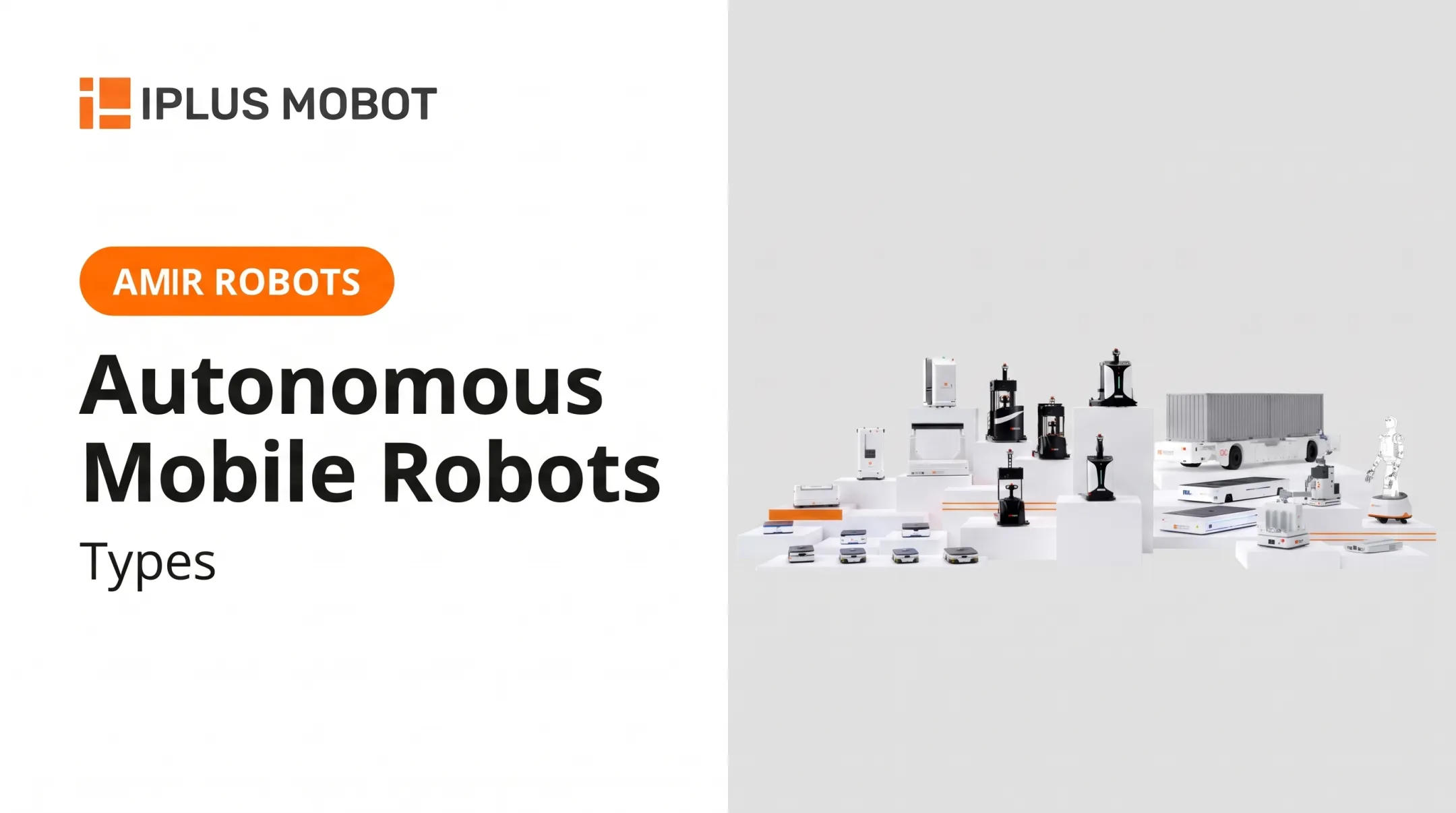
Robots differ by task, load, navigation method, autonomy, and whether they move goods or manipulate items. Real deployments usually blend several types with software, storage, conveyors, and human workstations.
Transport and Pallet-Handling Robots
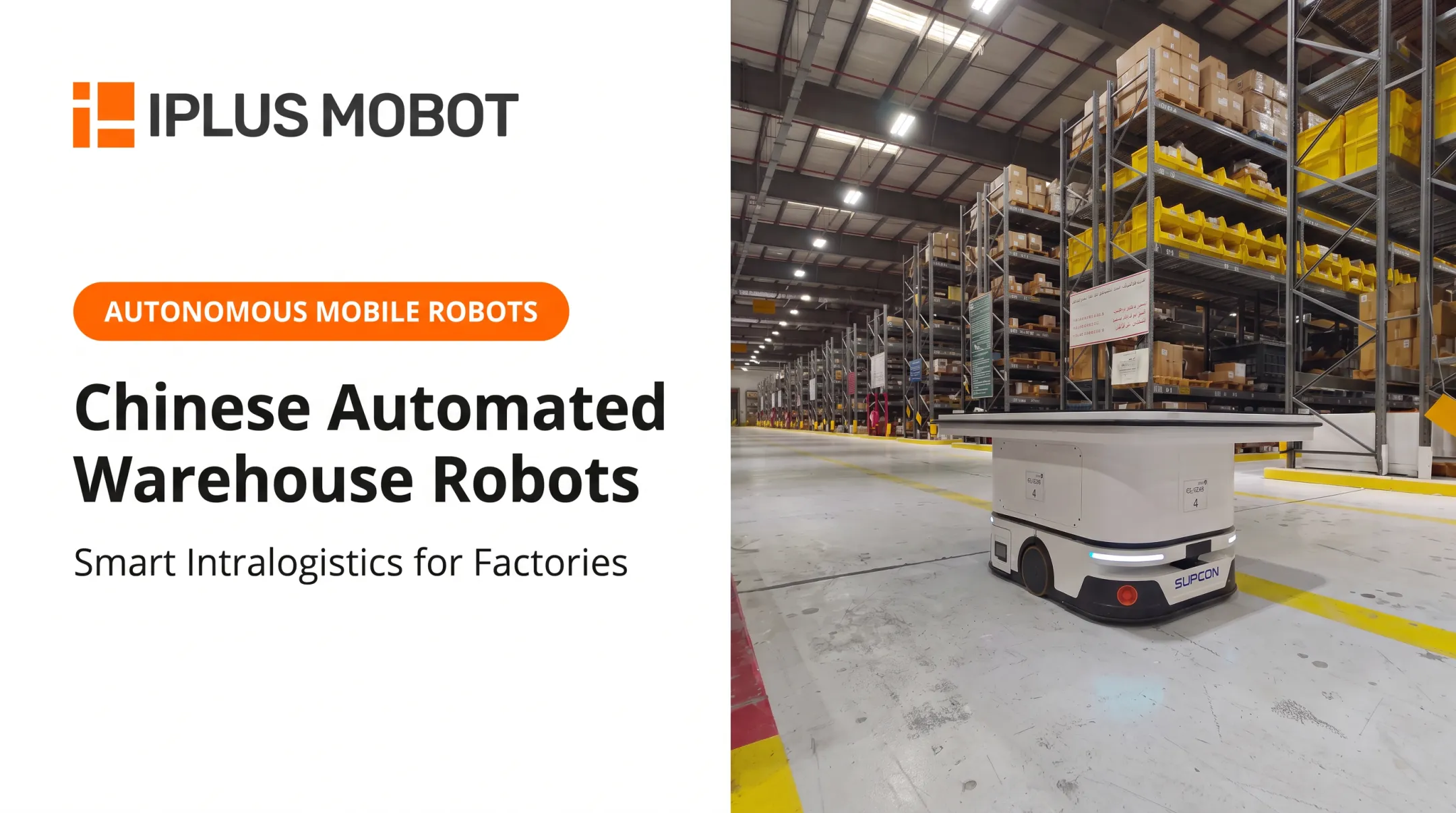
These move totes, cartons, pallets, and parts between zones, storage, production areas, and docks.
- AGVs follow predefined routes using wires, tape, markers, or reflectors.
- AMRs use onboard sensing and mapping to choose or adjust routes.
- Autonomous forklifts automate pallet transport, put-away, replenishment, and loading. The label describes the vehicle form, not a separate navigation class.
Fixed-route equipment is predictable and suits stable workflows. AMRs offer layout flexibility and reroute around obstacles.
Best fit: repetitive point-to-point transport, line-side delivery, pallet movement, and any workflow where travel eats employee time.
Trade-offs: you need suitable aisle widths, floor conditions, traffic rules, charging plans, load compatibility, and safety validation. IPLUSMOBOT's forklift AMRs, for instance, are listed for a 70 cm (28 in) narrow aisle with a 400 kg (880 lb) load, which shows why aisle specs matter.
Storage and Retrieval Robots
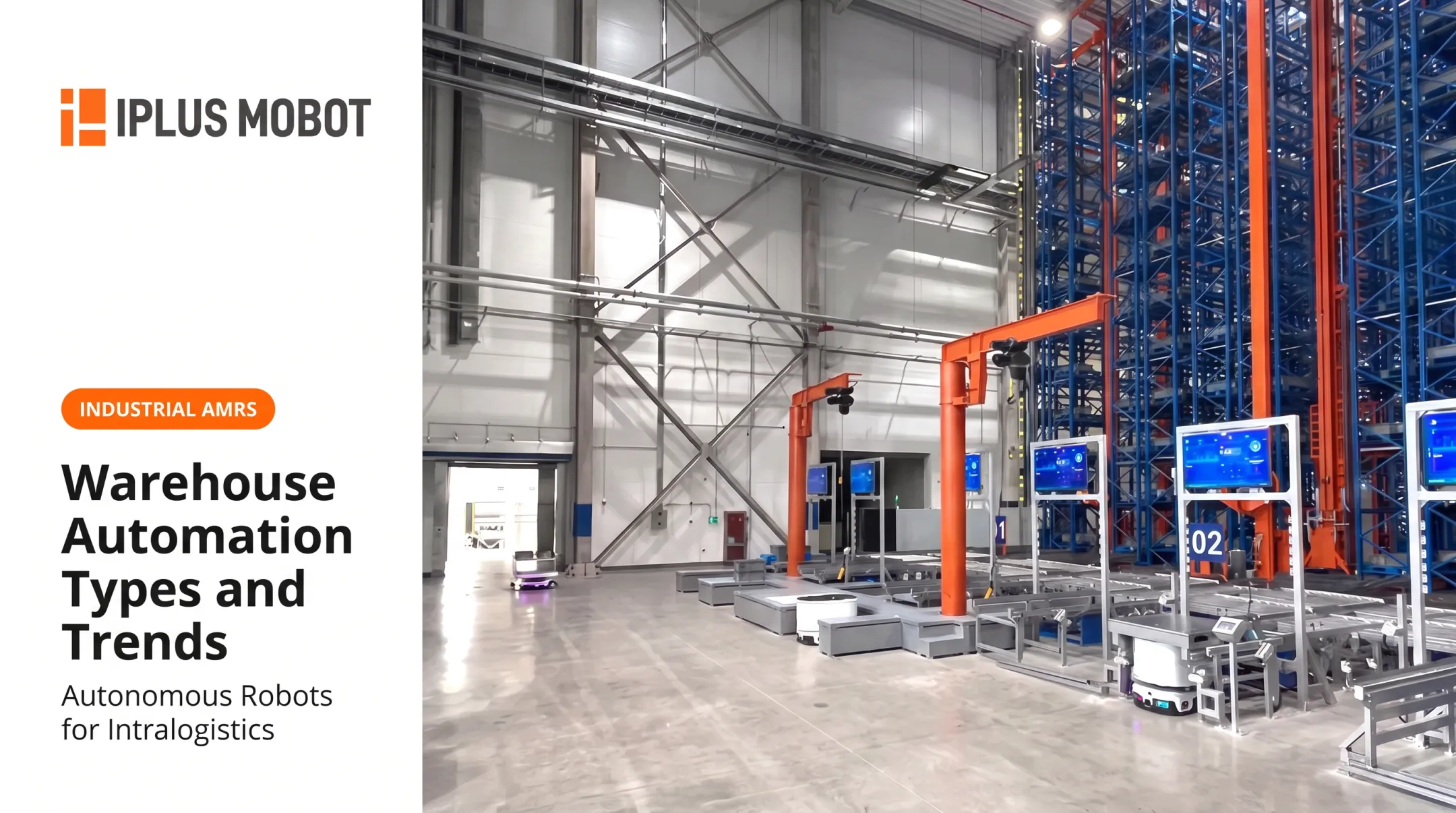
AS/RS is a computer-controlled category, not one robot. MHI lists unit-load and mini-load systems, stacker cranes, shuttles, cube storage, carousels, and vertical lift modules.
The system receives a task, finds the location, moves the load or container, and delivers it to a workstation, conveyor, or handoff point. The right configuration depends on whether you handle pallets, cases, totes, or small parts.
What sets it apart: storage density, location control, goods-to-person delivery, and vertical space use.
Best fit: high-SKU operations, tight footprints, spare-parts storage, and fulfillment where cutting picker travel is the priority.
Trade-offs: better location accuracy and space use, but higher infrastructure, integration, maintenance, and change-management demands than a standalone mobile robot.
Goods-Handling, Fulfillment, and Inspection Robots
This group touches products or collects data: robotic arms, cobots, piece-picking systems, palletizers, depalletizers, sorting and packing robots, and inventory drones.
- Arms use end effectors, cameras, and vision software to pick, place, pack, or palletize.
- Cobots work near people in defined applications, subject to risk assessment. "Collaborative" alone does not make a setup safe.
- Drones scan with cameras, barcodes, or RFID for cycle counts and rack inspection.
Best fit: repetitive palletizing, high-volume packing, item-level fulfillment, consistent product presentation, and counting in hard-to-reach racking.
Trade-offs: irregular products, damaged packaging, mixed SKUs, and changing carton formats hurt performance. Expect to plan for exception handling.
One case: NFI reported scanning 51,000 locations with drones in 75% less time per cycle count. It is a vendor customer story, not an independent benchmark.

Comparison at a glance
| Category | Primary task | Typical load | Navigation / interaction | Best fit | Main consideration |
|---|---|---|---|---|---|
| Transport and pallet handling | Move loads | Totes, pallets, parts | Fixed route or onboard mapping | Point-to-point flows | Aisles, floors, traffic, safety |
| Storage and retrieval | Store and fetch | Pallets, cases, totes, bins | Computer-controlled within a structure | Dense, high-SKU storage | Infrastructure and integration |
| Goods handling and inspection | Manipulate items or scan inventory | Items, cartons, pallets, data | Vision, grippers, sensors | Palletizing, packing, counting | Product variability, exceptions |
How to Choose the Right Type of Warehouse Robot
Start with the process you need to improve, the load, and the outcome you want. Not the most advanced robot on the market.
Purpose and operational goals
Name the bottleneck first: travel, pallet movement, storage density, picking, replenishment, packing, cycle counting, or line supply. Then tie the robot to a measurable goal such as throughput, order accuracy, labor utilization, space, or service levels.
Load and inventory profile
Check dimensions, weight, fragility, packaging, tote or pallet format, SKU variety, and exception frequency. A pallet robot, tote system, piece-picking arm, and inventory drone solve different problems. They are not interchangeable.
Facility layout and environment
Assess the physical constraints that shape robot choice:
- Aisle widths, rack heights, and floor quality
- Dock and production connections
- Human traffic, temperature, and cleanliness needs
- Charging space
Fixed routes fit stable layouts. AMRs suit operations that expect change.
Throughput, scale, and flexibility
Define moves per hour, peak demand, schedule, and what happens if a unit goes down. Then ask whether you can add robots, stations, or modules without redesigning everything.
Software and integration
Confirm compatibility with your WMS, ERP, WCS, barcode or RFID setup, and fleet software. Interfaces such as VDA 5050 standardize robot-to-master-control communication but do not replace WMS or WCS design.

If you are comparing standalone AMRs with broader deployments, evaluate integrated providers such as IPLUSMOBOT alongside others. IPLUSMOBOT offers AMRs, CLOUDIA fleet software, and OWL warehouse software, spanning single-robot installs to plant-wide systems.
Total cost, people, and lifecycle
Budget beyond the robot itself:
- Racks, stations, chargers, software, and integration
- Facility changes, safety validation, and spare parts
- Training, maintenance, and planned downtime
- Service availability, cybersecurity, and battery management
Also weigh the supplier's ability to support future changes.
What to Check Before Finalizing a Warehouse Robot
- Don't overbuy autonomy. A simpler AGV, workstation, or process fix may solve the bottleneck better.
- Respect limitations: item variability, navigation constraints, floor conditions, load compatibility, exceptions, charging, safety zoning, and integration dependencies.
- Review lifecycle cost: installation, software, training, support, upgrades, spare parts, energy, downtime, and future capacity, not just the first quote.
- Validate before scaling. McKinsey recommends rigorous testing before rollout. Map the process, run pilots with representative inventory and peak scenarios, drill failure recovery, and lock written acceptance criteria.
- Look past the brand: check interoperability, data ownership, cybersecurity, service capability, and scalability.
OSHA has no robotics-specific standards, so teams rely on consensus standards such as ISO 3691-4 and ANSI/ITSDF B56.5 for driverless vehicles, and ISO 10218 for industrial robot cells.
Conclusion
Warehouse robots combine mobile equipment, handling mechanisms, sensors, and software to automate specific tasks and connect workflow stages. Transport robots, storage and retrieval systems, goods-handling robots, and inspection tools serve different needs, each with its own trade-offs.
Define the bottleneck, evaluate the full architecture, and check lifecycle fit. That path leads to safer, more scalable automation decisions.
Frequently Asked Questions
How much do warehousing robots cost?
Cost varies by robot type, payload, navigation, software, infrastructure, integration, safety needs, facility changes, support, and scale. There is no reliable universal price, so request scoped quotes against your defined process.
What are warehousing robots and how are they used?
They are automated machines that handle physical warehouse tasks. Uses include transport, storage, retrieval, picking, packing, pallet handling, sorting, replenishment, inventory counting, inspection, and returns.
How can AI be used in warehouse management?
AI supports demand forecasting, slotting, task prioritization, route optimization, computer vision, anomaly detection, and predictive maintenance. Ordinary automation follows fixed rules; AI adapts from data.
What are the top warehouse management systems?
The best WMS depends on warehouse size, industry, workflows, integrations, deployment model, automation needs, reporting, and support. Compare candidates against your requirements rather than a universal ranking.
What are the types of warehouse management systems?
Common categories include standalone, ERP-integrated, cloud-based, and on-premises systems, plus platforms built for highly automated or multi-site operations. Categories overlap, so a cloud WMS can also be ERP-integrated.